Hosts
Hosts are the physical servers, virtual machines, and LXC containers managed by Muppy. They are involved in virtually every Muppy operation that touches a server.
Where to find Hosts
Hosts are organized under the Muppy ▸ Hosts menu, which exposes several views of the same mpy.host model:
| Menu entry | What it shows |
|---|---|
| Hosts | Non-production Hosts (every Host whose Qualifier is not in the prod category, plus Hosts with no Qualifier). Defaults to physical/cloud servers (non-VM). |
| Hosts - Production | Hosts whose Qualifier belongs to the prod category. |
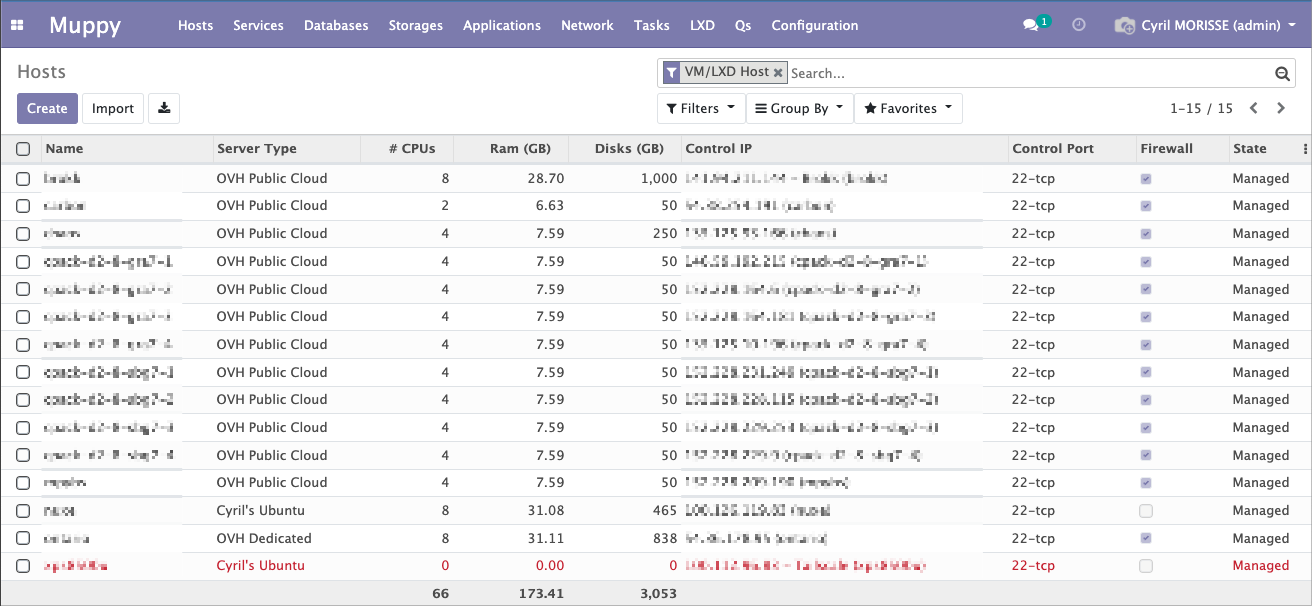
| LXC Containers | Hosts flagged as a VM / LXC container (Is VM/LXC). |
| Provisionning ▸ Enroll Host | Opens the Enrollment Wizard used to create and enroll a new Host. |
Info
The same Host can appear in different lists depending on its Qualifier and whether it is a VM/LXC. The lists are just filtered views — there is a single underlying Host record.
Creation and enrollment
Before it can be used with Muppy, a Host must first be created (its connection details are recorded) and then enrolled (Muppy configures it so it is ready to be managed).
The recommended path is the Enrollment Wizard (Hosts ▸ Provisionning ▸ Enroll Host), a 3-step guided flow that checks connectivity, prepares a dedicated control user, and launches enrollment in one go. See Host Creation and Enrollment.
Tip
Hosts can also be imported automatically from a supported Cloud Provider (for example OVH), in which case much of the creation step is filled in for you.
After enrollment
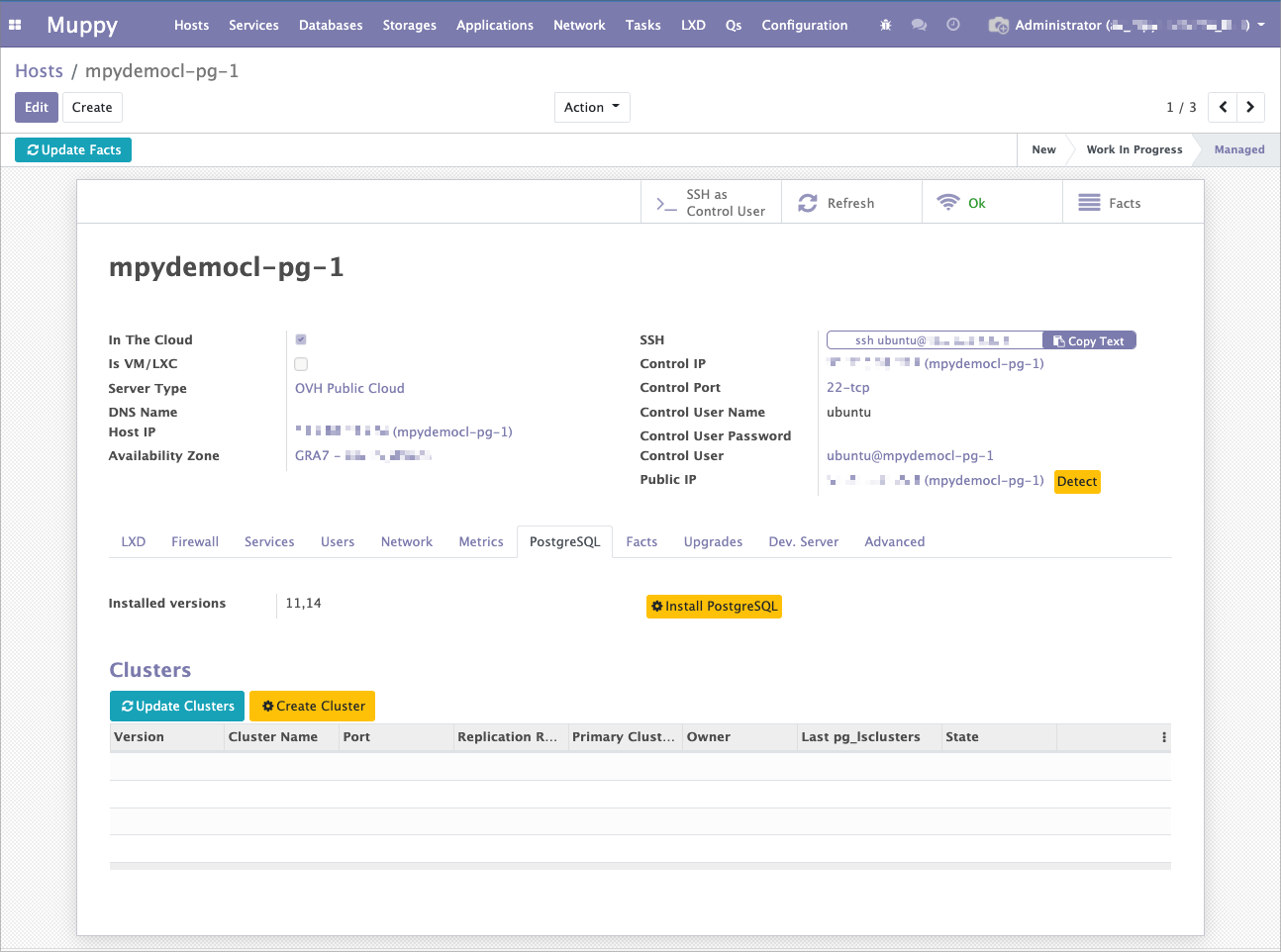
Once enrolled, a Host moves to the ==Managed== state and its form view exposes the following tabs:
- Firewall — UFW status, default and custom rules, CIDR dynamic ranges. See Firewall UFW.
- Services — systemd units running on the Host.
- Users — the Linux users Muppy knows about on the Host, with SSH helpers.
- Network — network interfaces, exposed ports, and raw
ip --json addrdata. - Metrics — collected host metrics (disk, partitions, benchmarks).
- Lifecycle — auto-decommission scheduling and manual decommission.
A few additional tabs (Notes, Task Runs, and an Advanced tab for technical users) are also available.